PortraitsCompare ↔
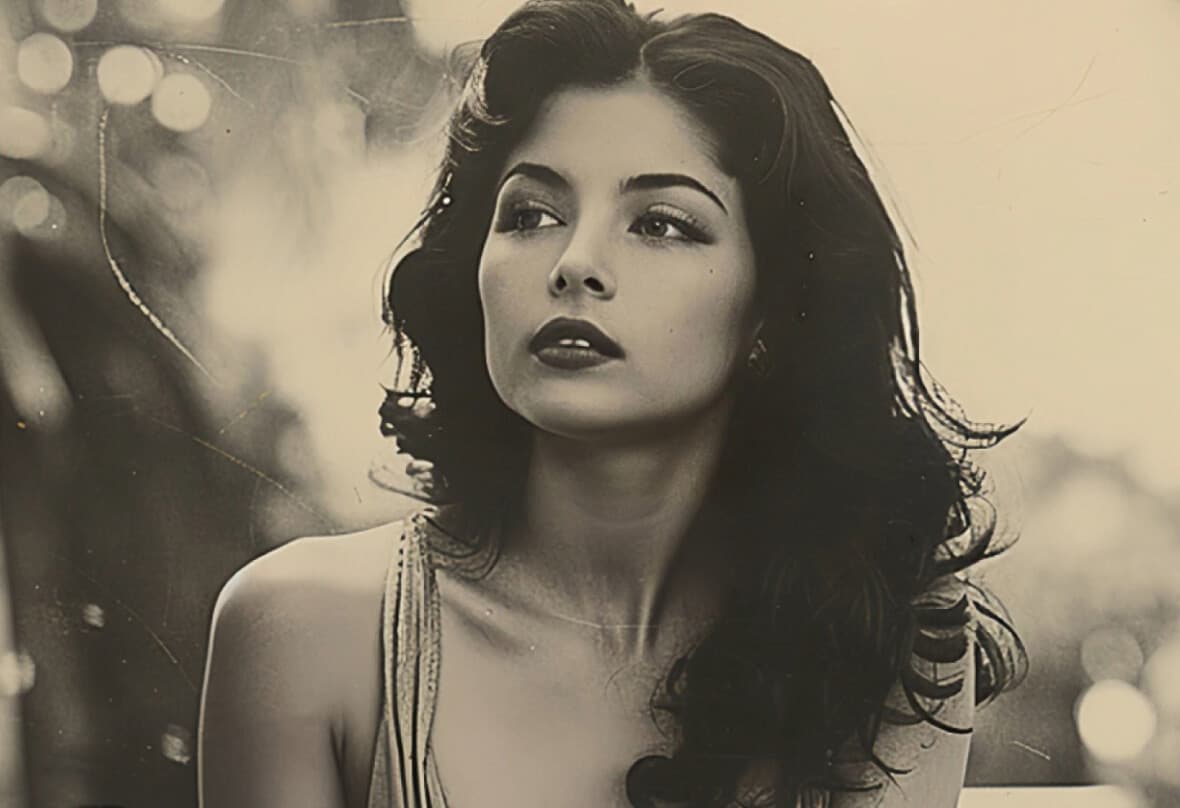
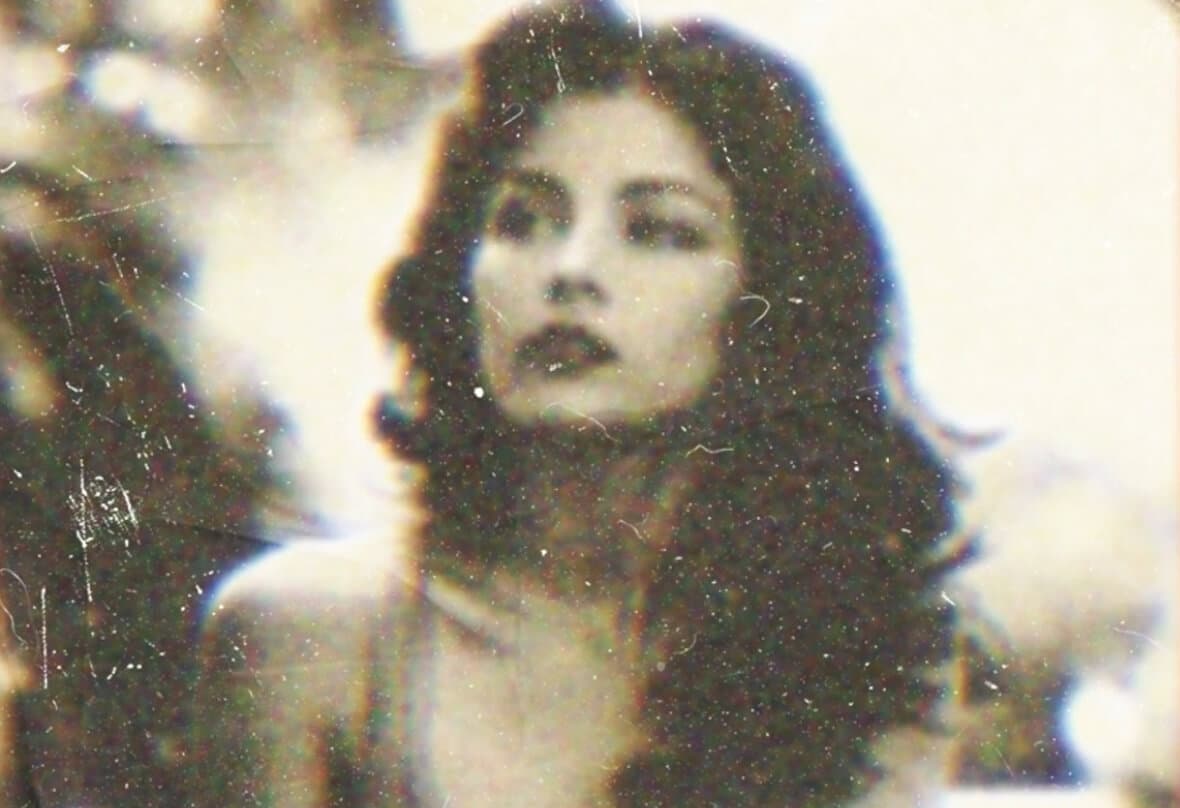
Online photo restoration repairs scratches, fading, blur and lost color while preserving the faces, textures and quiet character that make an old photograph feel real.
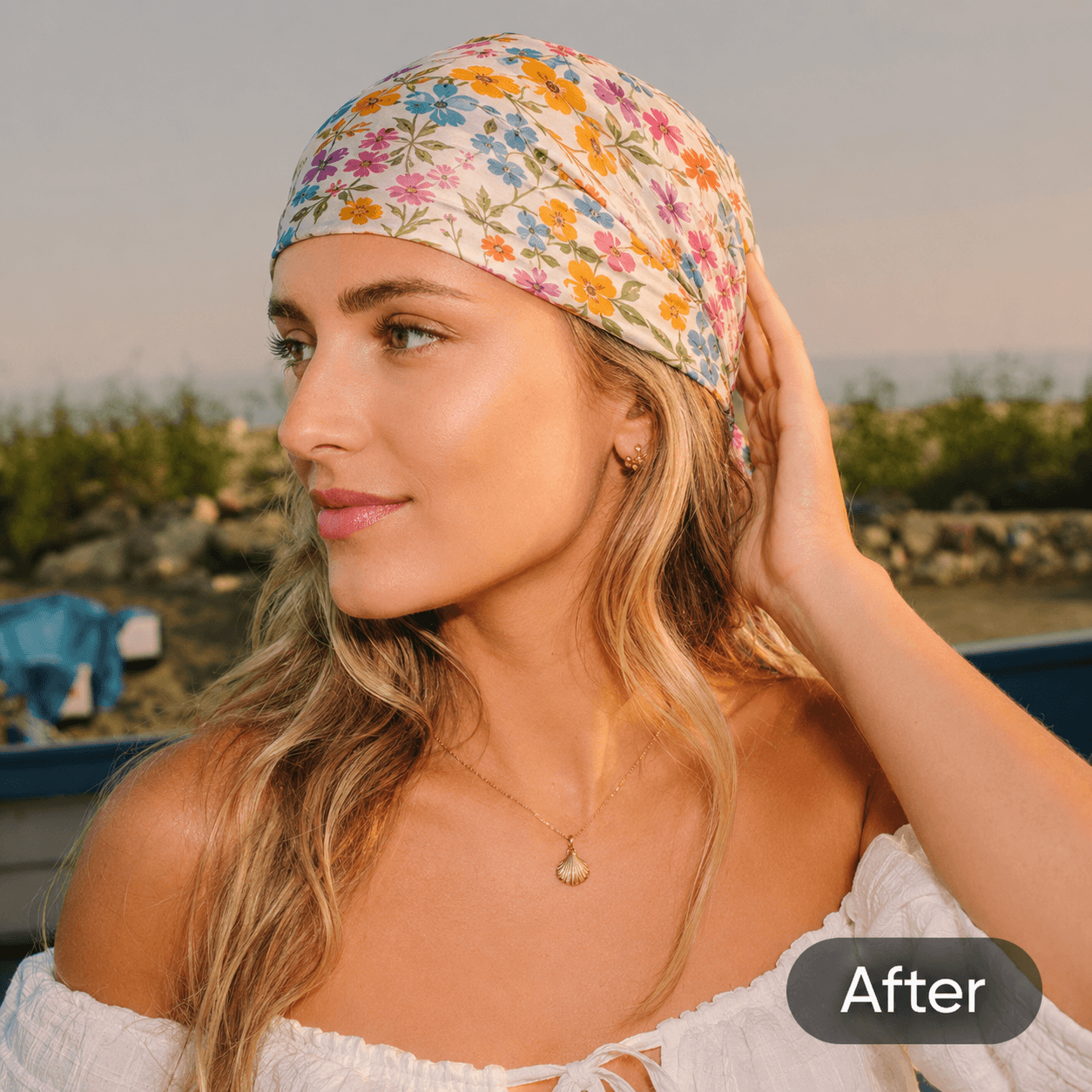
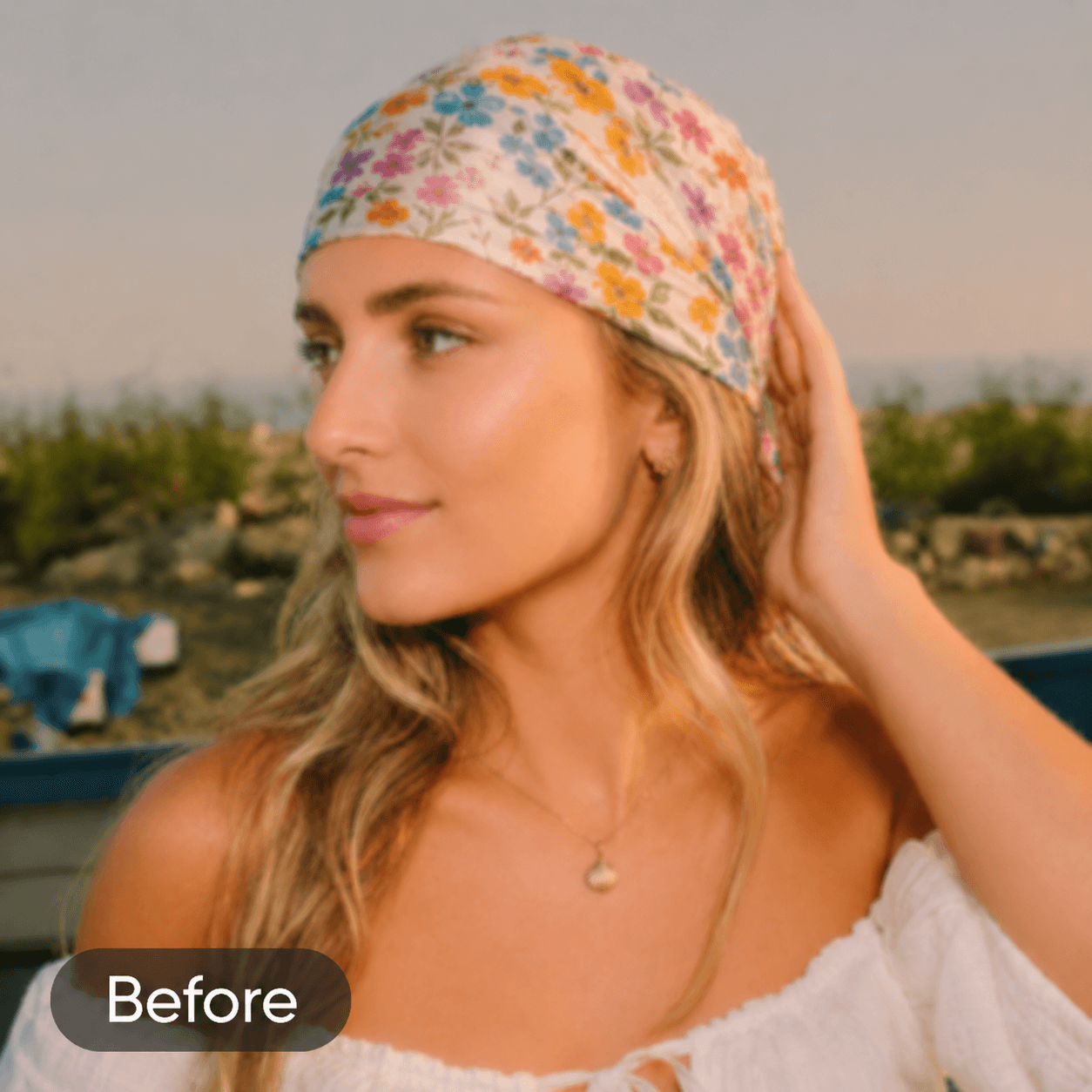
Drag to inspect the difference
Start here
Your photo is sent securely for restoration. The original remains unchanged.
The evidence
Every photograph asks for a different kind of care. These photo restoration examples reveal how clarity, color, tone and texture can improve without replacing the character of the source.
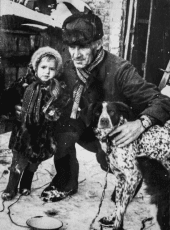
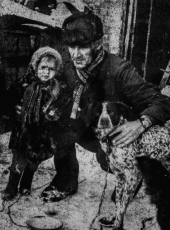
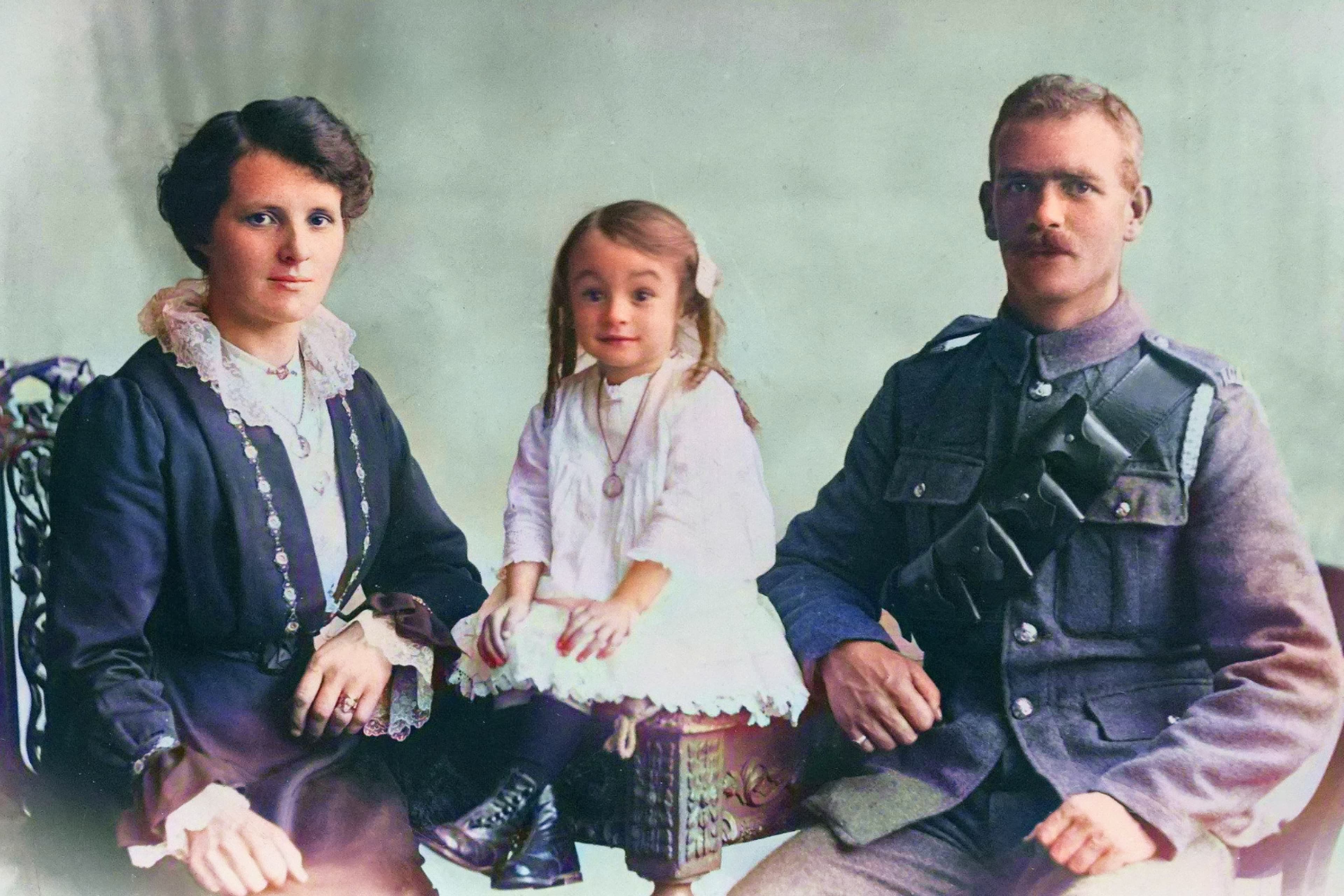
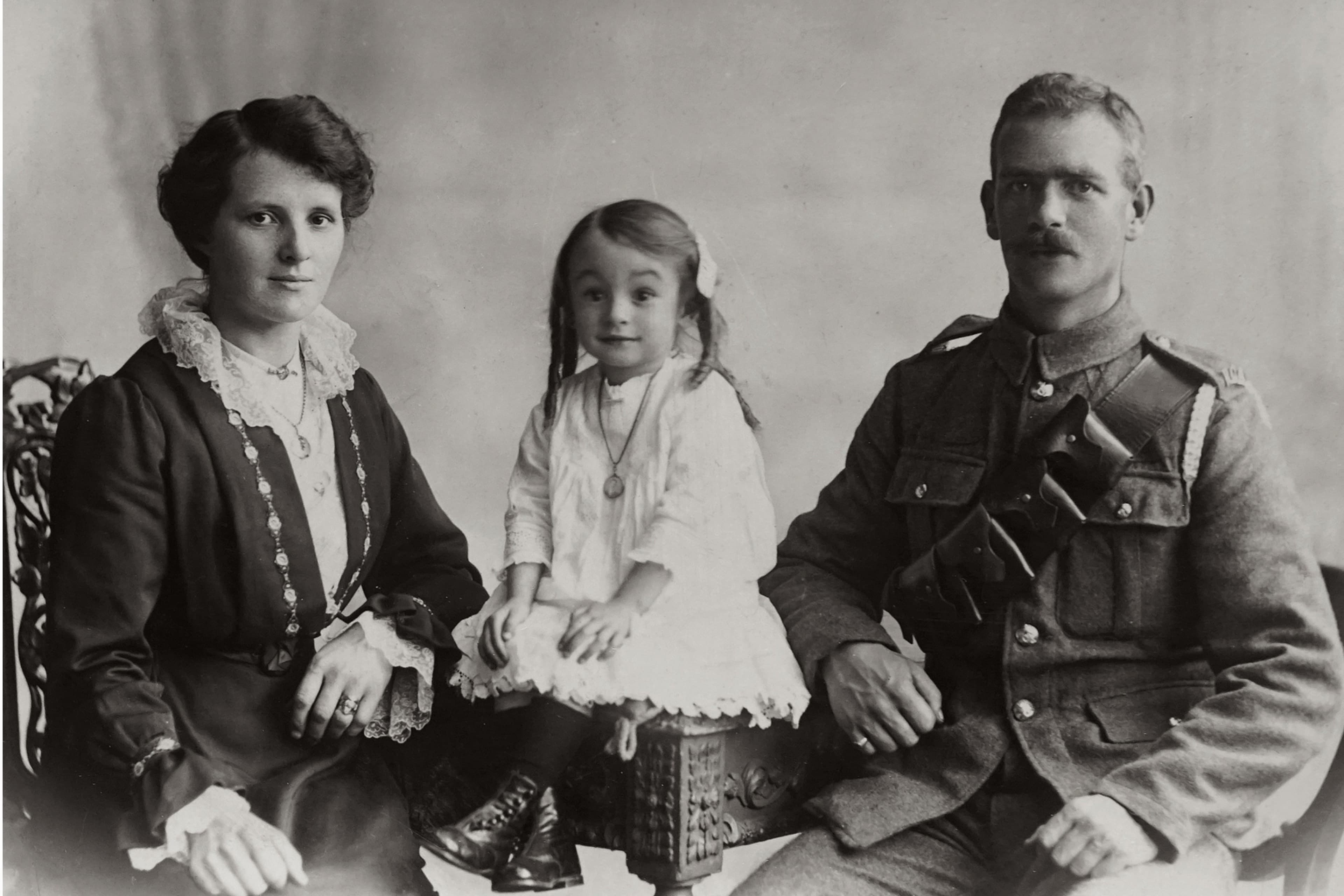
Each photo restoration comparison pairs an original image with its corresponding restored result. Move the divider to inspect real visual differences instead of relying on a polished result alone.
A careful sequence
Photo restoration should remove repetitive editing work without hiding what is happening to a photograph or pretending that AI can recover details that no longer exist.
The process first identifies scratches, dust, folds, stains and uneven fading across the complete print.
Recover readable faces, fabric and background detail without plastic smoothing or aggressive modern sharpening.
Balance faded contrast and add restrained color while respecting the photograph’s age, lighting and period.
Receive the result directly, preview the finished image and download a high-resolution file.
The restoration standard
Our restoration approach recovers expression and definition while working to keep familiar faces recognizable, natural and true to the source.
Good restoration considers the whole frame, including the rooms, clothes, keepsakes and landscapes that give every memory its context.
Reduce distracting noise and blur while keeping the tactile grain, gentle contrast and material character of the original photographic print.
Black-and-white photographs gain restrained, historically plausible color, while existing color photographs retain and rebalance their original palette.
Photo restoration preserves the original composition while preparing a clear, high-resolution result for family archives, albums and personal prints.
Processing begins only after you start the task, and the finished result is copied to private object storage for preview and download.
How it works
Online photo restoration should be understandable: upload one image, let AI process visible damage, receive the result and download it. There is no hidden editor and no maze of controls.
Choose a clear scan or photograph of the original print.
AI analyzes visible damage, faded tone and recoverable detail.
Your completed result appears directly in the workspace.
Save the finished image for a family archive, album or personal print.
“Photo restoration can clarify what remains. It cannot know with certainty what time removed completely.”
Scratches · fading · dust · grain · mild blur · small tears
Missing faces · large tears · extreme blur · heavy glare
Stories worth preserving
Every old photograph is more than an image. Thoughtful photo restoration helps families see expressions, places and relationships that fading paper has made harder to recognize, while respecting the difference between preserved evidence and AI reconstruction.
Real customer restoration stories will replace this editorial statement after launch.
Frequently asked
AI repair works best on fading, dust, grain, scratches, mild blur, stains and small tears. Large missing areas require the model to infer more visual information, so severely damaged sections are less certain than details still visible in the scan.
Any AI reconstruction can introduce changes when the source lacks facial detail. Our instructions prioritize identity, expression, facial structure and pose, but the result should still be treated as a careful reconstruction rather than historical proof.
Yes. The current workflow automatically adds natural, restrained and historically plausible color to grayscale photographs. It avoids modern cinematic grading and oversaturation. Because the original colors were never recorded, the result is an informed interpretation rather than an exact recovery.
For physical prints, scan at 600 DPI when possible. Keep the whole print visible, avoid reflections, clean the scanner glass and do not apply aggressive sharpening before upload. A detailed source gives the model more genuine information to preserve.
Uploaded photos are sent to our AI provider, and completed results are copied to private object storage for preview and download. Automated deletion is not yet enabled, so only upload photographs you own or have permission to process.
Severely torn photographs may be improved, but AI cannot know with certainty what was completely missing. Large reconstructed faces, objects or backgrounds should be understood as plausible interpretation, not a factual recovery of lost visual evidence.
Begin photo restoration with one photograph
Start without complicated editing or permanent changes to the original file.
Restore a photo ↗